
AI image how-to · transformation
How to Turn Any Photo into a LEGO-Style Scene
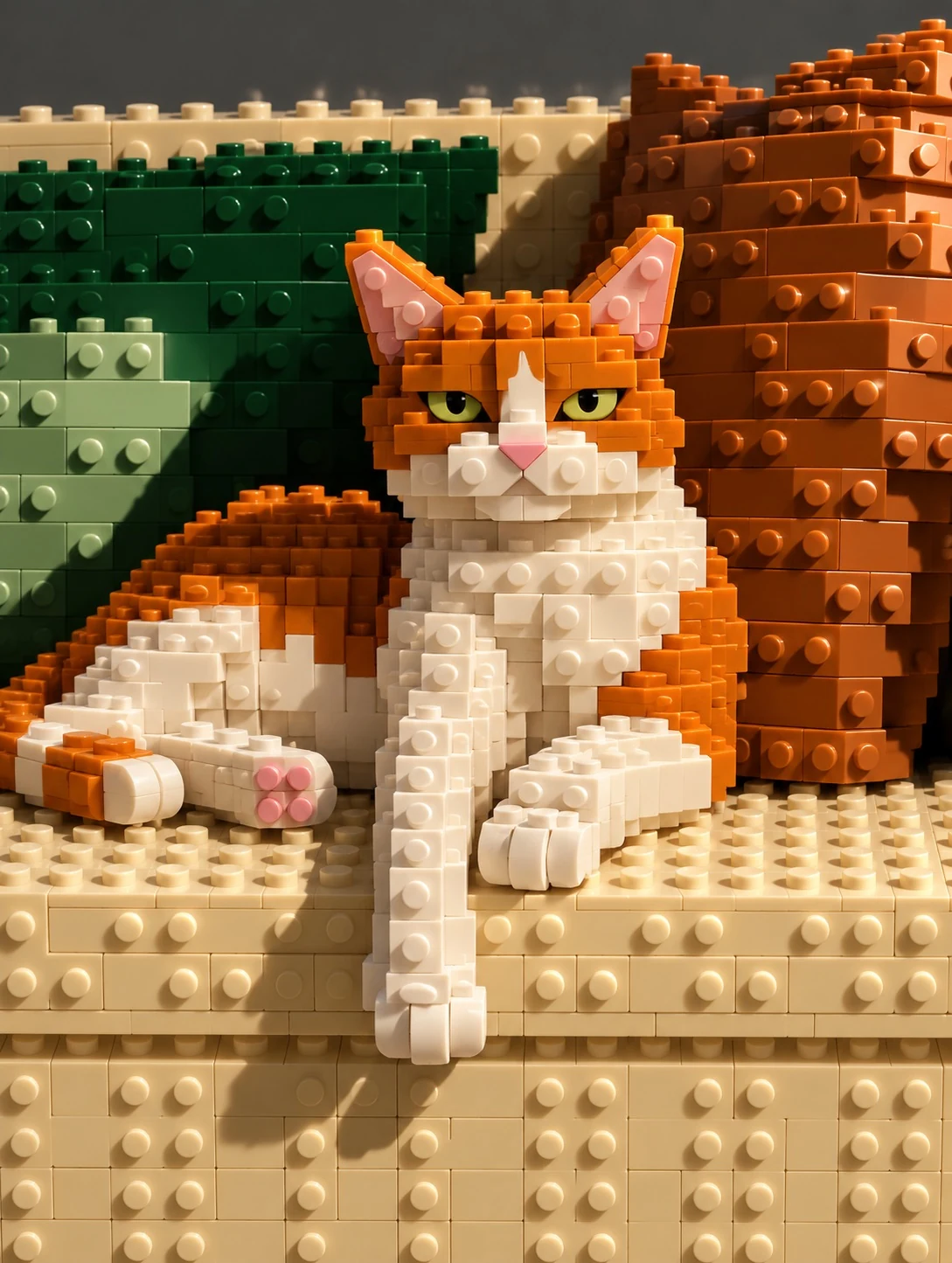
Transform any photo into a detailed LEGO-style scene with AI. This prompt rebuilds the image using brick-based shapes and toy-like details while preserving the original composition, layout, perspective, and key elements of the scene. Use it for interiors, objects, lifestyle photos, and other everyday images.
Before

After
Use in GPT-Image-2.5
full prompt
LOCKED CAMERA, exact original perspective, aspect ratio & zero cropping. Official LEGO set style. Rebuild the ENTIRE image using chunky interlocking LEGO bricks and pieces with visible studs. Blocky, voxel-like geometry. All subjects, objects, backgrounds & surfaces must be LEGO constructions. People become recognizable LEGO minifigures, preserving their clothing colors, hairstyles, poses & expressions. Animals become LEGO figures; plants become LEGO Botanical builds. Render water, sky & terrain using appropriate solid or translucent LEGO pieces. NO real skin, hair, fur, fabric, paper or other non-plastic materials. No text. Glossy ABS plastic, detailed toy diorama, macro 3D render. Strictly preserve the original composition, subject placement, relative scale, colors, lighting & framing. No added or removed elements, no new camera angle, no zooming out.
Text to image